Scan with your phone. Plan on your iPad.
The OpenKitchen3D app pairs native RoomPlan capture and AR preview with the same open planner you use in the browser — one project across every device.
Coming to the App Store Follow the roadmap →
Full planning
iPad
Split plan and 3D views, touch-sized catalog and inspector, Apple Pencil dimension correction and markup, elevation editing, keyboard and trackpad support.
Scan, review, present
iPhone
RoomPlan capture, scan review, catalog browsing, simple cabinet swaps, comments and AR preview of the proposed kitchen.
Full planning
Desktop browser
The same planner and the same project, for dense elevation, pricing and BOM work on a big screen.
Start screen
- Scan with LiDAR — on supported iPhone Pro and iPad Pro models.
- Measure with AR — guided wall and corner capture on other ARKit devices.
- Draw manually — mobile-friendly 2D room creation.
- Open an existing plan — continue any OpenPlan3D project.
AR preview
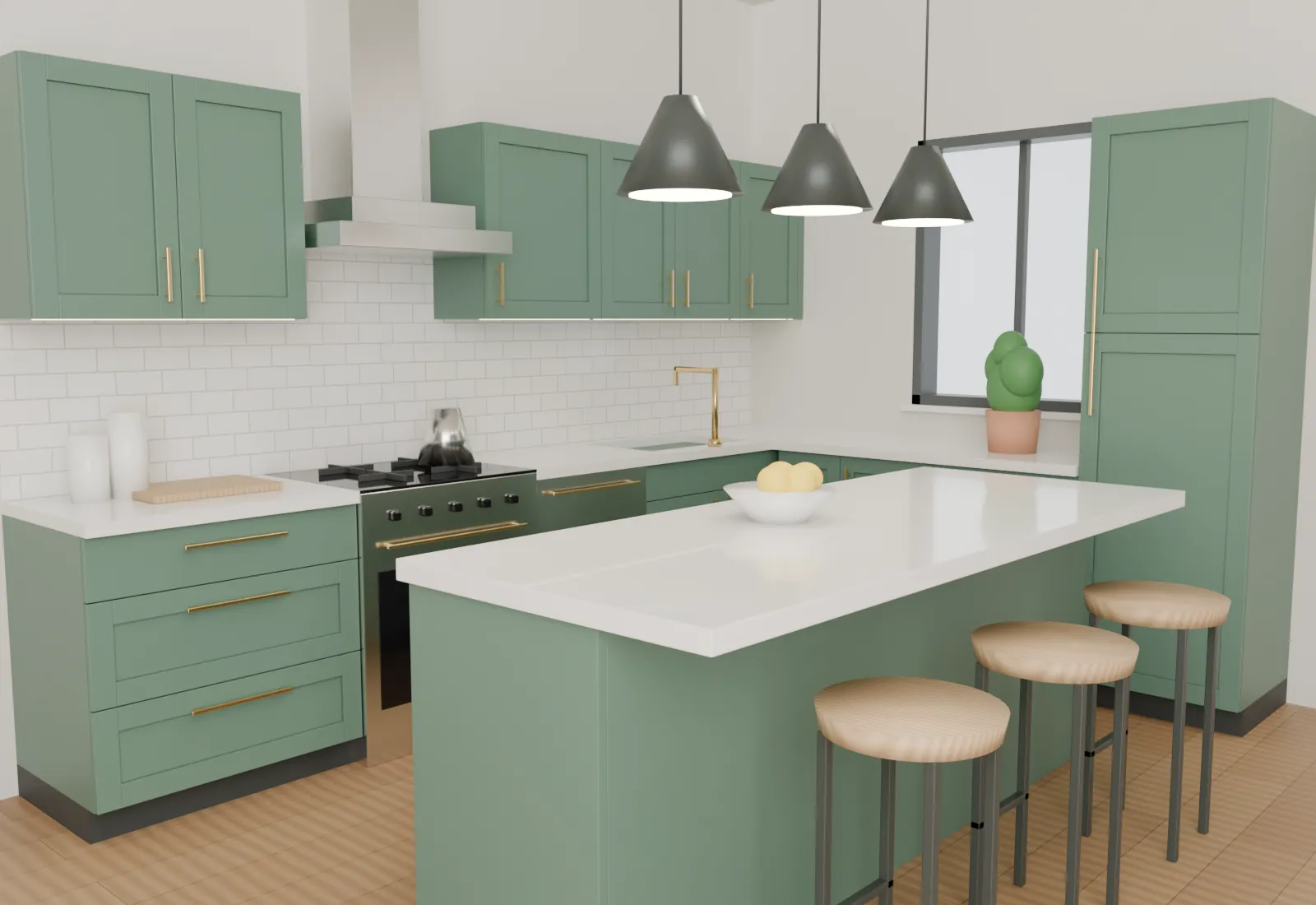
Place the proposed kitchen into the captured room at true scale, toggle existing and proposed layers, and record a walkthrough to share. AR is a visualisation aid — the plan's verified dimensions remain the source of truth.